Beam + Beacon
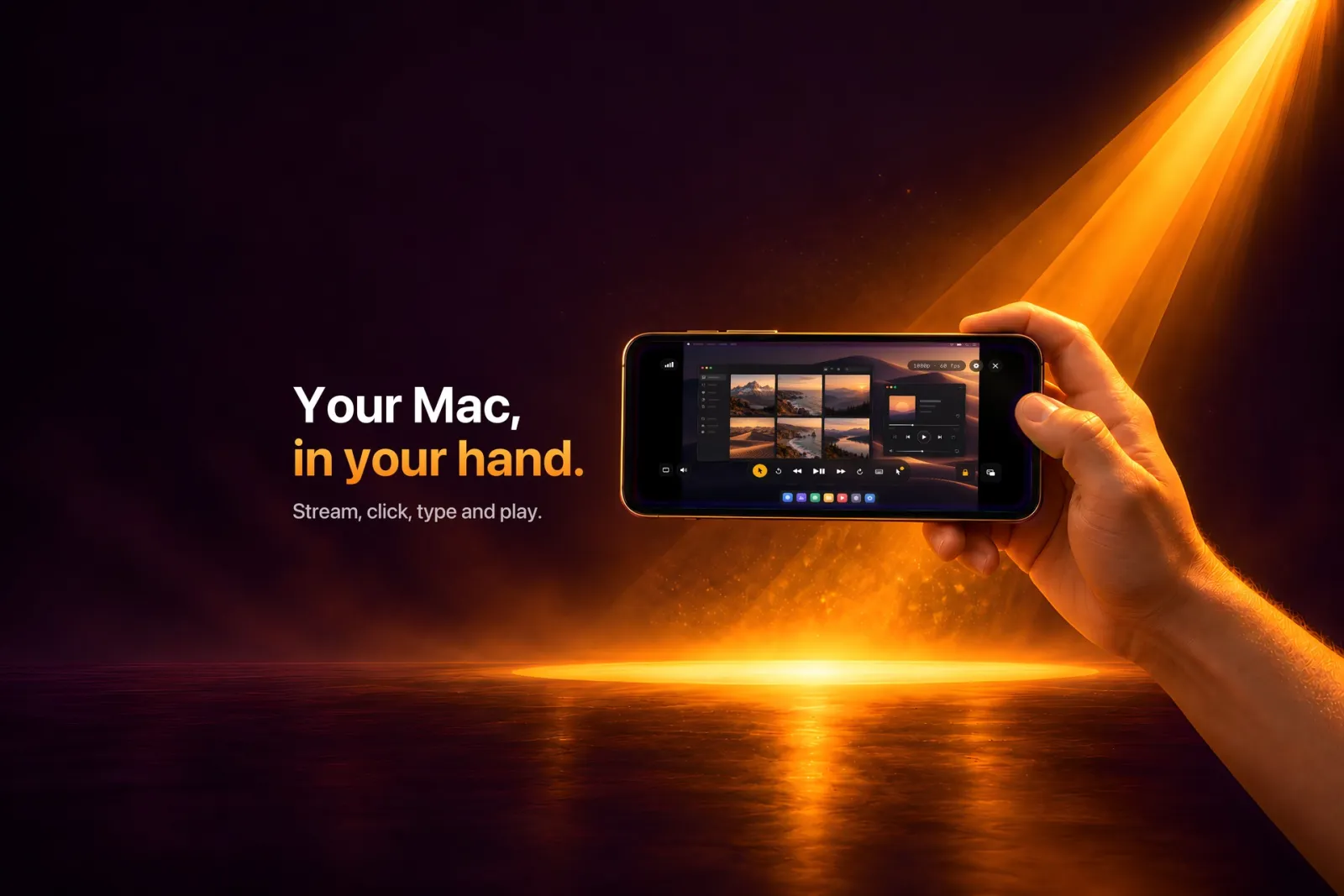
Your Mac's screen and sound, live on your iPhone or iPad. Tap to click, type with real Mac keys, play with a controller. Beacon is the free Mac companion that sends the stream.
- median Mac-to-phone latency, measured
- 24.5 ms
- top quality, on ProMotion devices
- 4K · 120 fps
- on every frame, keys from X25519
- AES-256-GCM
- accounts or Beam servers involved
- 0
Your Mac is in the other room.
Most screen-sharing tools are built for remote support. They are slow, often silent, and usually tied to an account and somebody else's servers. That is fine for fixing a parent's printer. It is not fine for watching something from the couch, keeping an eye on a long export, or playing a game from bed.
Beam is built for using your own Mac from across the house: picture and sound together, fast enough to click, type and play, with nothing leaving your network.
What it does
Picture in Picture
Keep the Mac in a corner of the phone, with sound, while you use other apps.
Click, drag, scroll
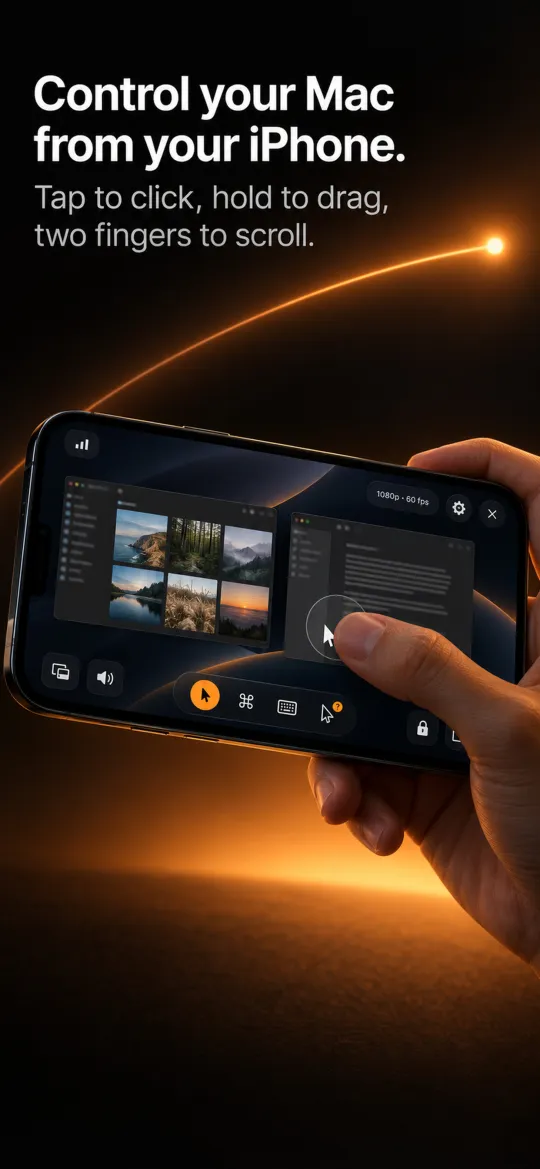
Tap to click, hold then lift to right-click, hold then move to drag, two fingers to scroll.
Real Mac keys
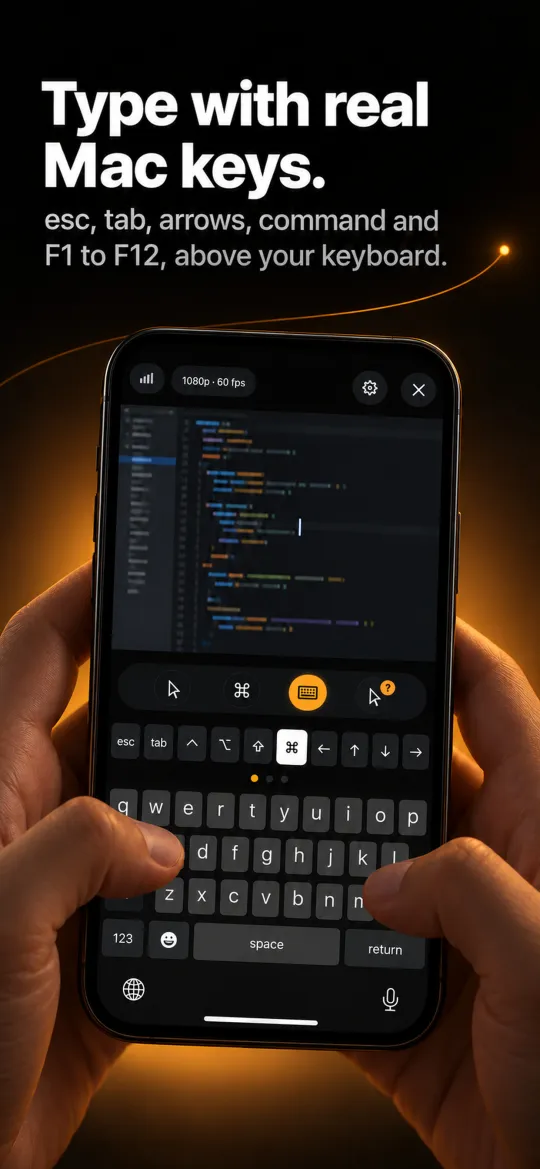
Esc, Tab, arrows, command and F1 to F12 sit above the keyboard. Modifiers can stick or lock.
Macros
A bar of up to eight custom buttons for the shortcuts you use most.
Controllers
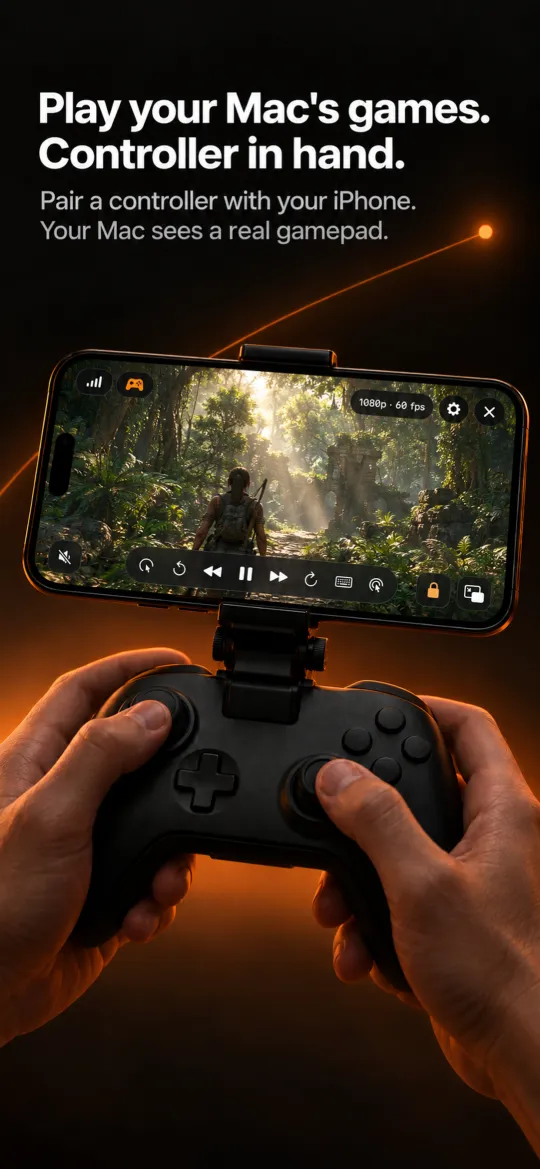
Pair a controller with the phone and the Mac sees an Xbox Wireless Controller, through a virtual HID device.
One window, or a crop
Stream a single window, crop and lock an area, pinch to zoom up to 5x, or mirror the picture for a teleprompter.
Away from home
Over your own Tailscale network, with no Beam relay in the middle. The app shows whether the link is direct or relayed.
Quality presets
From 360p to 4K and Native, at 30 or 60 fps. 60 becomes 120 on ProMotion devices when the Mac's display runs that fast.
From the App Store listing
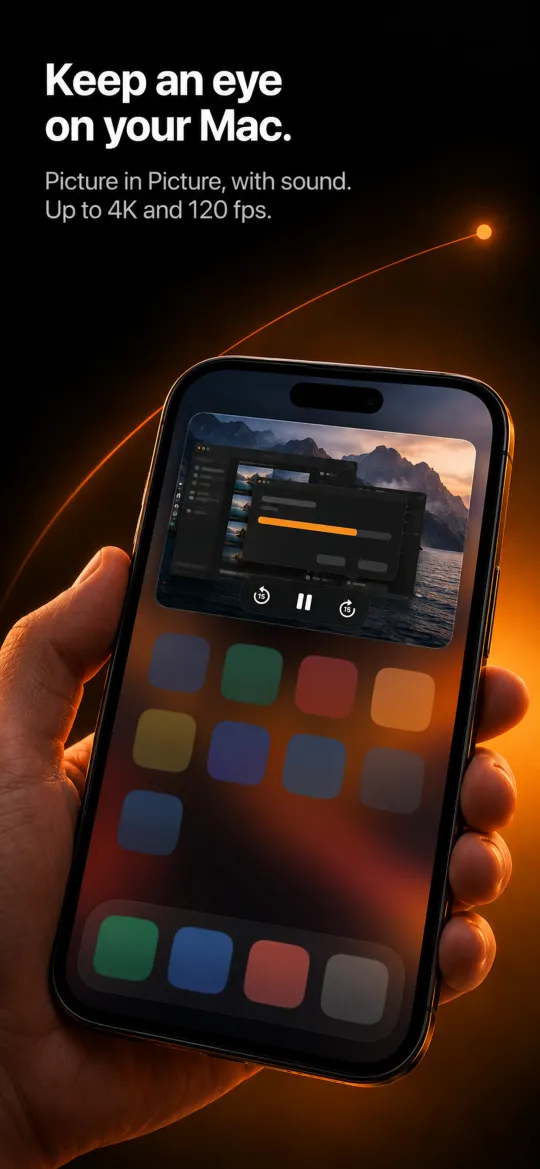
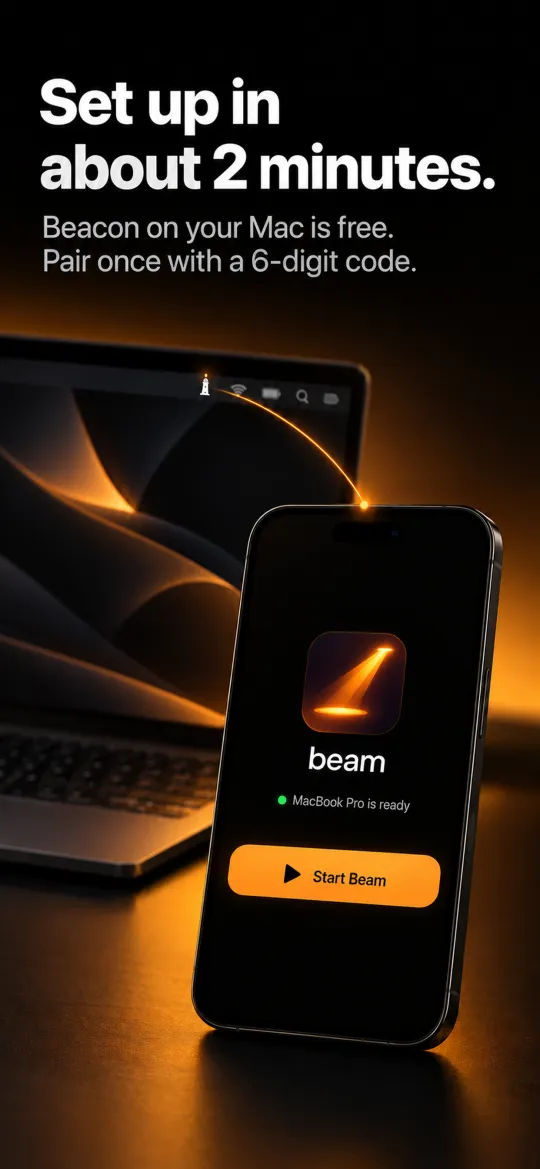
How we built it
Both apps are written in Swift and SwiftUI. Beacon, the Mac side, captures the screen with ScreenCaptureKit, encodes HEVC (or H.264) with VideoToolbox and audio as AAC-LC at 128 kbps. It turns taps into CGEvent clicks and keys, and creates a virtual HID gamepad so games see a real controller.
Beam, the iPhone and iPad side, decodes straight into an AVSampleBufferDisplayLayer, plays sound through AVAudioEngine and hands the same layer to AVKit for Picture in Picture. Purchases run on StoreKit 2.
Neither app talks to the other directly. Everything between them goes through Phoros.
- Swift + SwiftUI
- ScreenCaptureKit
- VideoToolbox (HEVC, H.264)
- AVSampleBufferDisplayLayer
- AVAudioEngine
- Network.framework
- IOHIDUserDevice
- Rust (str0m) for UDP
Phoros
Phoros (Greek φόρος, bearer) is the transport we wrote for Beam. It carries video, audio, input and control between two devices on the same network, and it is an open-source Swift package under the MIT licence that runs on iOS, macOS, tvOS and visionOS.
- 01
Finding and pairing
Beacon advertises itself over Bonjour as
_beam._tcp. To pair, the Mac shows a six-digit code and you type it on the phone. The code never crosses the network and expires after five minutes. Pairing leaves both devices with a 32-byte random secret, kept in the Keychain. - 02
Two transports
Version 1 runs over TCP: each frame is a 4-byte length and a 10-byte header that starts with the magic number BEAM, with payloads capped at 1400 bytes. Version 2 adds UDP, written in Rust on str0m behind a small C interface: ICE, DTLS and SRTP for video, one XOR parity datagram for every eight media datagrams, and SCTP lanes for the rest. If no frame is acknowledged for 700 ms, the session falls back to TCP and asks for a keyframe.
- 03
Three lanes, one priority
Control goes first, then audio, then video. Video older than 100 ms is dropped rather than sent late, the send queue aims for 30 ms of delay, and audio is never silenced for more than a second. On UDP, input messages live for 50 ms and audio for 400 ms before they stop being worth delivering.
- 04
Encryption
Since Beam 3.6, a session starts with an X25519 key exchange mixed with the pairing secret through HKDF-SHA256, salted with a hash of the handshake. That gives one AES-256-GCM key per direction, and the Mac proves it knows the secret with an HMAC. Nonces are a 64-bit counter that is never sent. The cost is 16 bytes per frame and about 1 µs per 1.4 KB packet on an M4.
- 05
Bitrate that listens
A stream starts at 4 Mbps and climbs by half every 0.6 s while the path is clear. Two samples with more than 20 ms of queue delay cut it by 30%, more than 150 ms cuts it in half, and it never goes below 1 Mbps. Game mode caps at 6 Mbps for a reason explained below.
Measured latency
| Scenario | p50 | p90 | p95 | p99 |
|---|---|---|---|---|
| TCP, 6 Mbps | 24.5 | 26 | 27 | 29 |
| UDP, 6 Mbps | 23.9 | 28.8 | 30 | 32 |
| TCP, 10 Mbps | 36 | 44 | 62 | 75 |
| UDP, 10 Mbps | 30.7 | 37.7 | 38.1 | 46.3 |
| TCP, 2.5% packet loss | 30 to 34 | · | 45 to 152 | 151 to 294 |
| UDP, 2.5% packet loss | 27 | 30 | 30 | 35 |
The same pair of devices measured 78 ms at the median before the latency work.
What was hard
The Wi-Fi radio
Apple's peer-to-peer Wi-Fi caused a radio blackout of about 90 ms every 512 ms. Keeping it out of the connection took the phone from 44.6 / 122 ms to 27 / 36 ms at p50 / p90. We also found that an iPhone adds 6 to 9 ms to everything it sends once the downlink passes about 7 Mbps, which is why Game mode stops at 6.
The encoder
VideoToolbox's default rate control overshot its target by 1.6x, and dropping frames after encoding caused a drop, keyframe, drop loop. Frames are now gated before they are encoded. Capturing at 120 fps instead of 60 cut latency from 27 / 33 to 19 / 25 ms.
Old clients in the wild
People do not update on our schedule. AAC sent to a build that expected raw PCM played full-scale white noise, and 32-bit UDP timestamps let audio and video drift about 15 minutes apart. Each incident is now written down in the protocol's compatibility guide.
App Review
The first submissions were rejected on trademark, background audio and minimum functionality grounds. Each rejection made the product clearer about what it is.
What we paid extra attention to
A latency harness
A rig times a controller press until a black-to-white flip appears in the decoded frame on the phone. It runs as a regression gate, so a slower build does not ship by accident.
Encryption without a cost you can feel
End to end, encrypted streams measured 23.1 ms at the median against 21.9 ms without. We kept older clients working with a setting, on by default, that Mac owners can turn off.
Privacy
No account, and no Beam servers. Beacon sends no analytics at all. Beam sends anonymised usage events so we can see what breaks.
Fair pricing
A three-day unlimited trial, then 30 free minutes a day. Beam Unlimited is a one-time $7.99, and Beacon is always free.
Have something worth building?
