StarterPacks
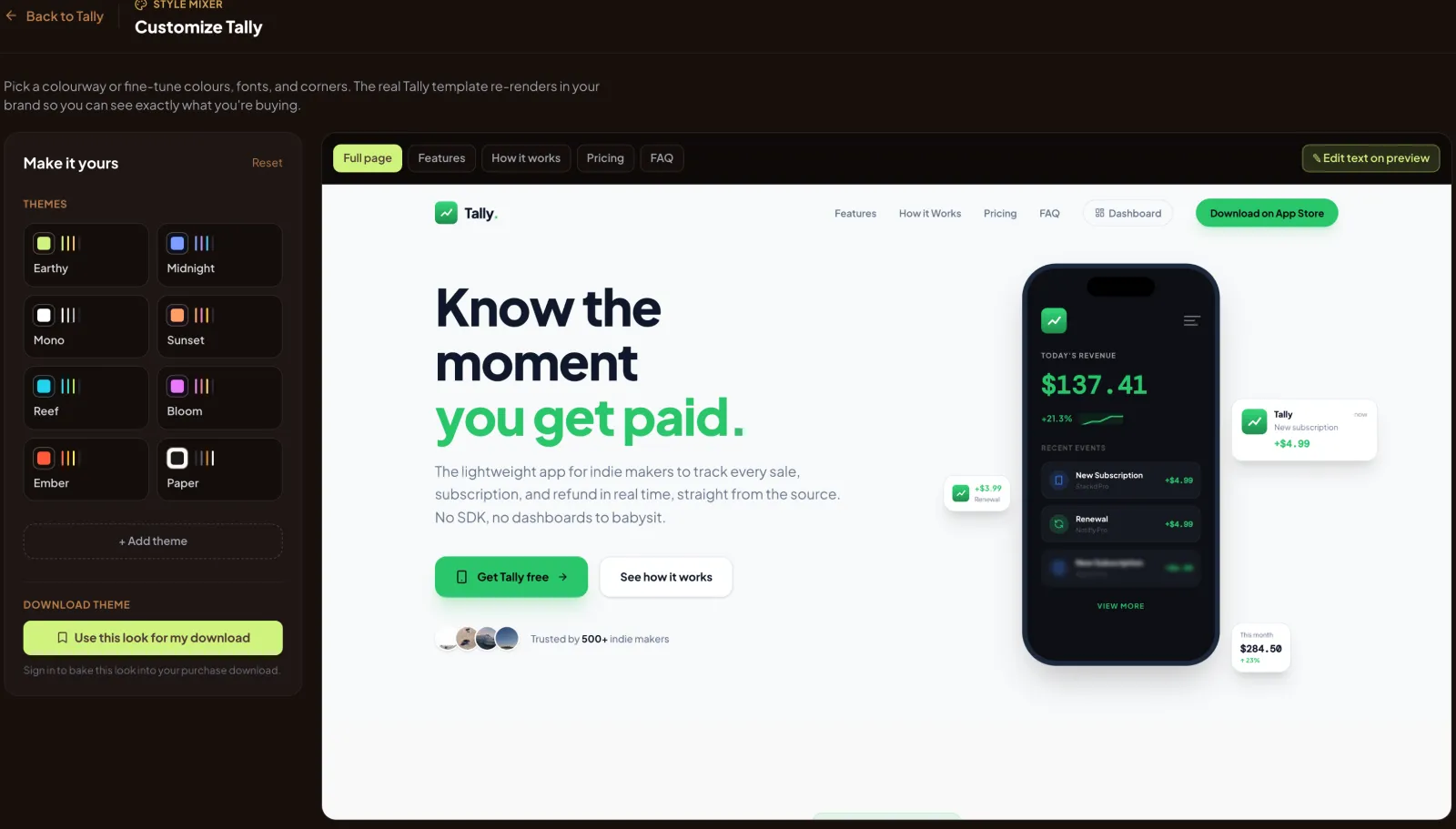
Production-ready app templates you restyle live before you buy. Pick colours, fonts and corner radius, and watch the real template render with them in a browser and on an actual iOS simulator.
- first iOS render, down from 43.4 s
- 3.7 s
- to switch screens once warm
- 0.1 s
- renders cached on disk today
- 761
- Mac mini serving all of it
- 1
Templates look generic until they look like yours.
Buying a template means trusting a screenshot in somebody else's colours. StarterPacks lets you see the real thing in yours first: the actual template, rendered with your theme, on the web and on iOS.
That meant two renderers, a theme contract every template obeys, and a way to serve it all without renting a fleet of servers.
The Style Mixer
Every template reads its look from one contract: colours, fonts and radius, exposed as CSS custom properties. A template is not allowed to hard-code a colour, so changing the theme changes everything.
The renderer opens the real template in headless Chromium, sets the theme on the page root after load, and screenshots it. Results are cached by a hash of the URL, the theme and the viewport, so a theme anyone has tried before comes back instantly.
For motion, it finds each animation's loop period with document.getAnimations(), freezes the page and steps a virtual clock frame by frame. Only looping animations advance, so entrance animations do not replay, and ffmpeg encodes a loop with no visible seam.
When you buy, the themed template is zipped in your browser. No server touches the download.
An iOS simulator nobody sees
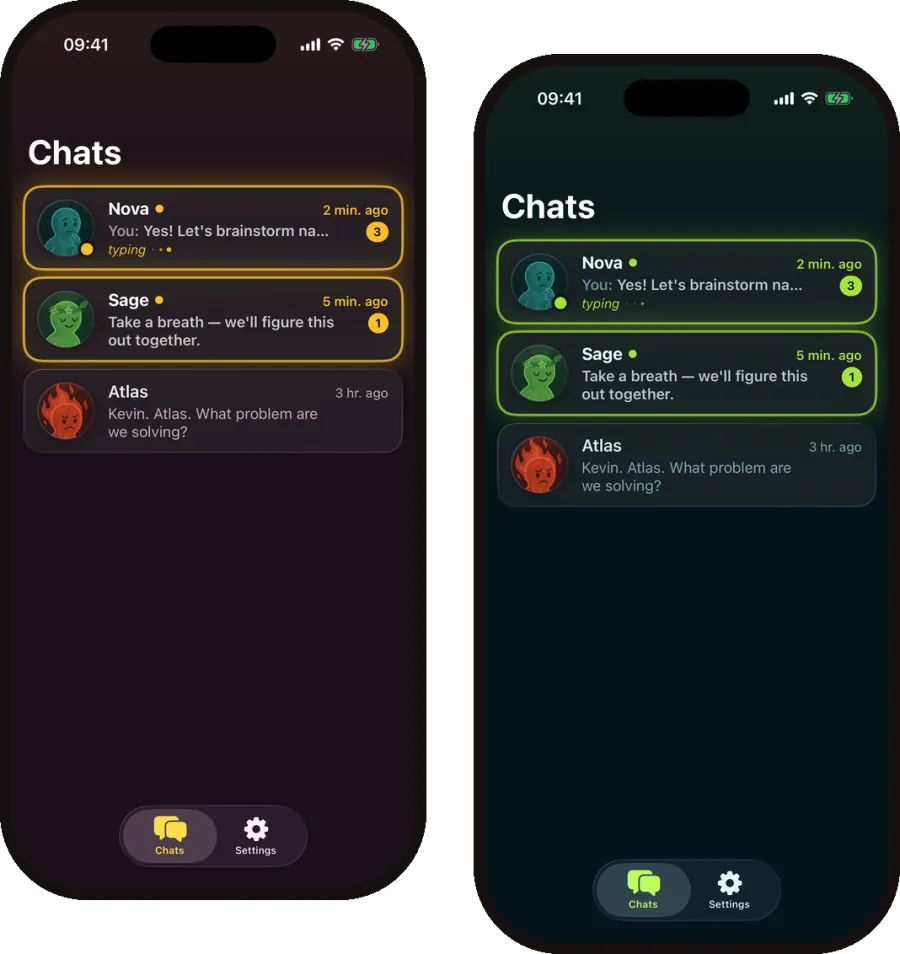
For the iOS templates, a small service boots a simulator with simctl and no window, sets the status bar to 9:41, and launches the SwiftUI app with your theme passed in as a launch argument. A screenshot is written to a temporary file and renamed into place, so nobody is ever served half an image.
The first version shut the simulator down after ten idle minutes, so a real visitor could wait 43 seconds for a cold boot. Now two simulators stay warm, one for stills and one for video, the other screens are prerendered speculatively, and a two-tier queue keeps a visitor's request ahead of background work.
One bug made a 3-second render look like 26: a synchronous call was blocking Node's event loop. Removing it was the single biggest win.
| Render | Before | After |
|---|---|---|
| First shot | 43.4 s | 3.7 s |
| Warm shot | ~5.5 s | 3.2 s |
| Switching screens | 5.5 s | 0.1 s |
All of it on one Mac mini
We rented no servers. The site, both renderers and the template hosts ran on one Mac mini in Tallinn, behind a Cloudflare tunnel. Accounts, storage and checkout used Supabase and Stripe. Since October 2026 images and video come from Cloudflare's CDN instead of the Mac.
Renders are expensive, so they are guarded: an origin allowlist, 30 renders per minute per visitor, a queue capped at 12 and an 8 KB limit on theme payloads. Popular previews are pinned and warmed ahead of time, which also fixed cold renders that used to run past the proxy's 60-second timeout.
- of visitors opened the Style Mixer
- 37%
- page views came from phones
- 2 in 3
Visitors and page views from our own analytics, 11 July to 24 October 2026.
What was hard
Silent CSS failures
Tailwind v3 quietly dropped opacity modifiers on bare var() colours. The theme tokens now use color-mix() instead.
The wrong template
A stray preview server listening on IPv6 answered first, so Chromium rendered a different template than the one requested.
Blocking the loop
A synchronous exec in the simulator service stalled every other request while one render ran.
What we paid extra attention to
No preview-only code
Templates need nothing special to be previewed. What you see rendered is what you download.
Warm before you ask
Popular previews are rendered and pinned ahead of time, and the simulator prerenders the screens you are likely to open next.
Honest loops
Web previews are stepped frame by frame from the real page, not screen-recorded, so motion is exact and the loop has no seam.
Have something worth building?
